PhotoRally › Articles › How to Collect Cars from Photos in PhotoRally
How to Collect Cars from Photos in PhotoRally
· Updated 2026-10-25
Step-by-step guide to collecting cars from photos in PhotoRally, with tips for better recognition results.
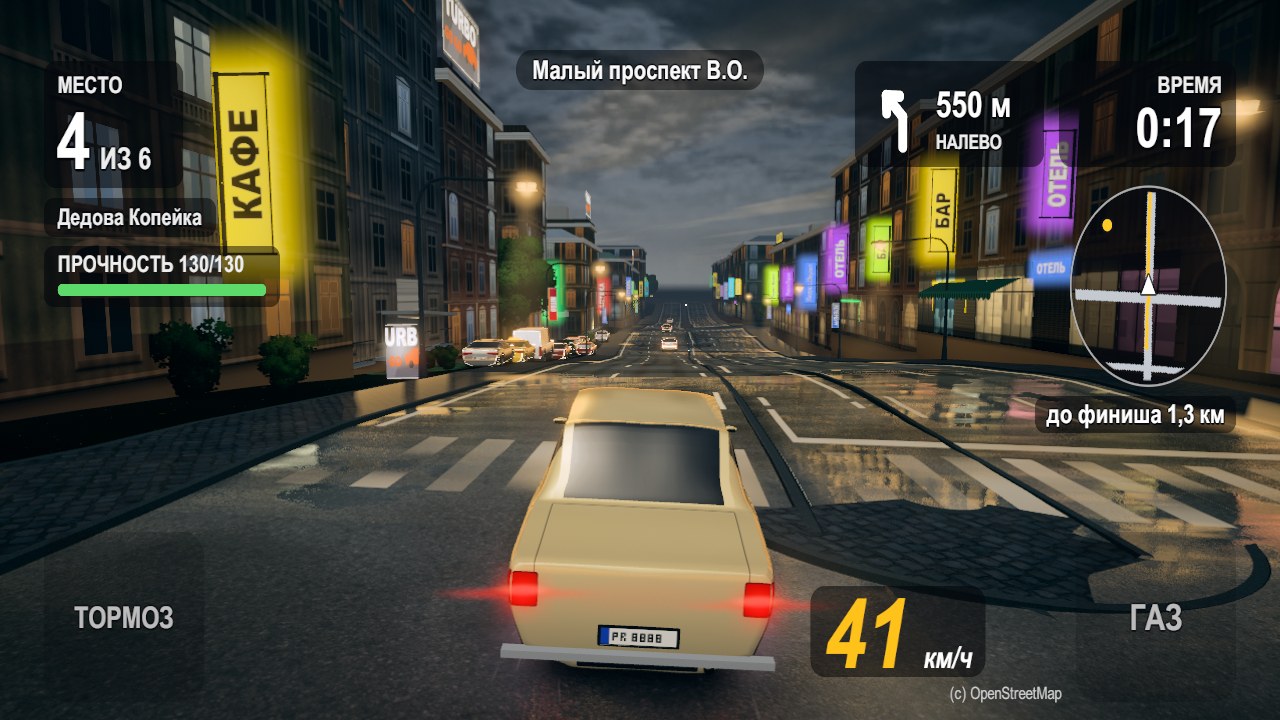
Collecting cars in PhotoRally takes only a few seconds. Follow these steps for the best results.
Step 1: Open photo mode
During a session, tap the camera button. The app asks for camera permission only when you use it.
Step 2: Frame the car
Point the camera at a real car on the street. Make sure the whole car is visible and well lit. PhotoRally recognizes the make, model and color.
Step 3: Add to your garage
Once recognized, the car is added to your garage. You can race it on any city route. The photo is deleted after processing and is never shared.
Tips for better recognition
- Photograph the car from the side or three-quarter angle.
- Avoid heavy glare and motion blur.
- Daylight gives the best results.
- Keep the car centered and not too small in the frame.
What if recognition fails
Try a different angle or better lighting. Some rare or heavily modified cars may not be in the database yet.
Get a closed-test code and play on Android